1
Write
Open a chapter and start typing. Press / for AI right at your cursor, ⌘K for everything else. No worldbuilding gate, no blank-page ceremony.
How it works
One composer for the whole book. Drop into prose, shape it when you need to, and let Guardian read every line as you go.
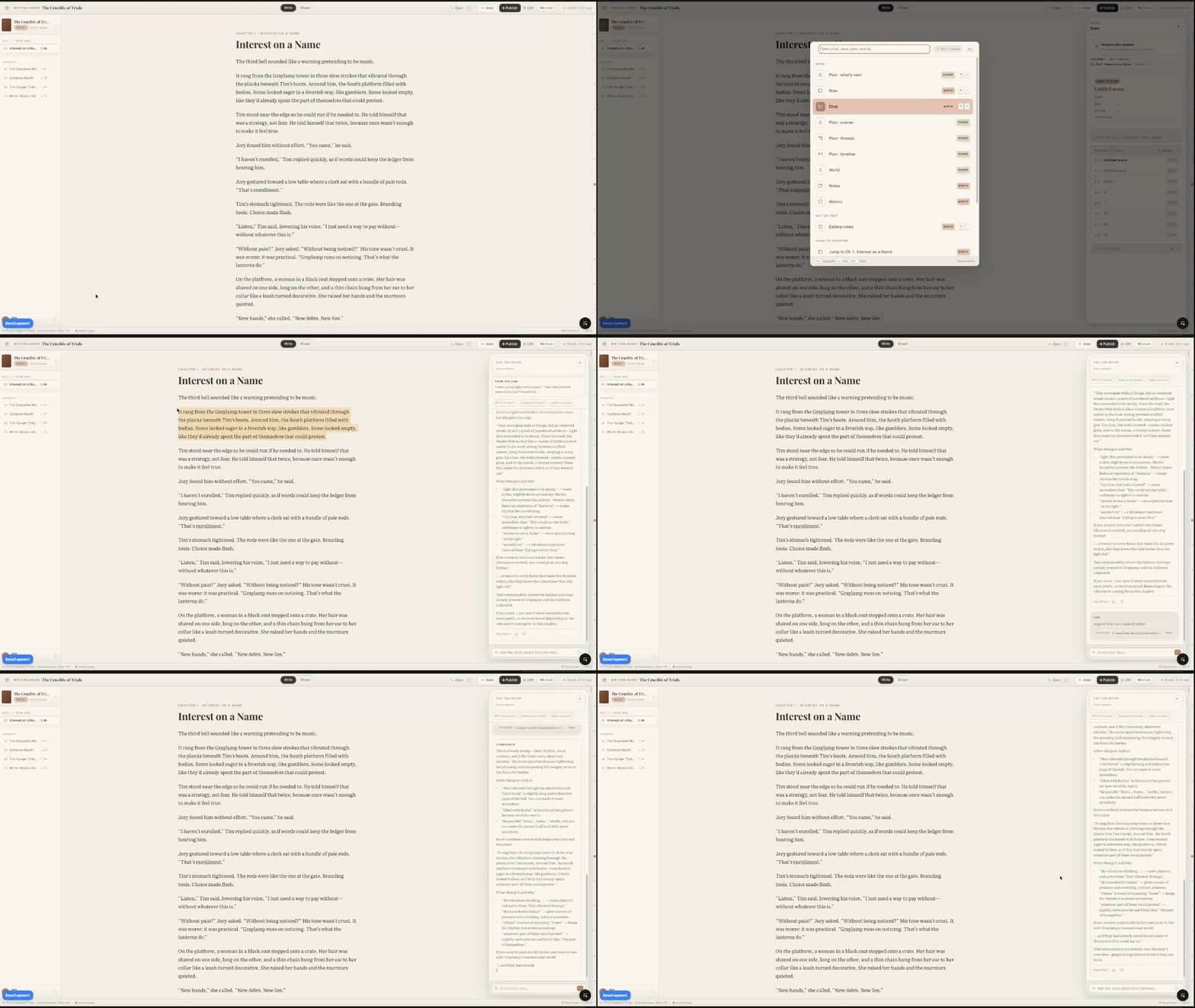
The Composer
No setup wizard. Drop into prose — Plan, World, and Guardian come to you, not the other way around.
Open a chapter and start typing. Press / for AI right at your cursor, ⌘K for everything else. No worldbuilding gate, no blank-page ceremony.
When structure helps, step into Plan — scenes, a chapter board, subplot threads, a timeline. The same book seen a different way. Always optional.
Characters, places, and relationships surface from your prose into World — maps, relationship webs, and cards build themselves. You tag nothing.
While you write, Guardian reads five layers — continuity, prose, scene, suspense, and plot — and flags what drifts, each with the evidence behind it.
Every flag comes with a one-click suggested fix. Apply it, open it in chat, or wave it off. Other tools generate; this one notices, and you decide.
World Components
Every world has five layers. Creader holds them all—and shows you how they connect.
Who lives there?
Characters with histories. Factions with grudges. Relationships that matter. Every soul you've imagined, finally organized.
Where does it exist?
The places you can see when you close your eyes. From kingdoms to back alleys—mapped and connected.
What happened before?
The events that shaped your world. Cause and effect, finally visible. No more contradicting your own timeline.
How does it work?
Magic systems. Power structures. The physics of your imagination. Consistent, because you can finally see them.
What happens next?
The narratives waiting to be told. Now you know who's involved, where they are, and what came before.
FAQ